
Fair value
The car’s private-party value for its year and miles, and how far the asking price is above or below it.
Facebook Marketplace car checker
Paste a Facebook Marketplace listing, or scan it right on the page in Chrome. AutoGauge tells you what the car is worth, whether the price is fair, and what usually goes wrong with that model.


3-day free trial · iPhone, Android and Chrome

Answers to the questions you’d otherwise guess at.
The car’s private-party value for its year and miles, and how far the asking price is above or below it.
Known issues for that exact model, the mileage they show up, and what the repairs usually cost.
A simple 0–10 score with a verdict: Excellent, Good, Fair, Overpriced or Avoid.
Open recalls for the car, so you can ask the seller if they’ve been done.
Add the AutoGauge Chrome extension. Open any Marketplace car and click Scan. The report opens next to the listing.
Get the Chrome extensionShare the listing to AutoGauge from the Facebook app, or paste its link. Same report, plus an inspection checklist for the test drive.
Get the app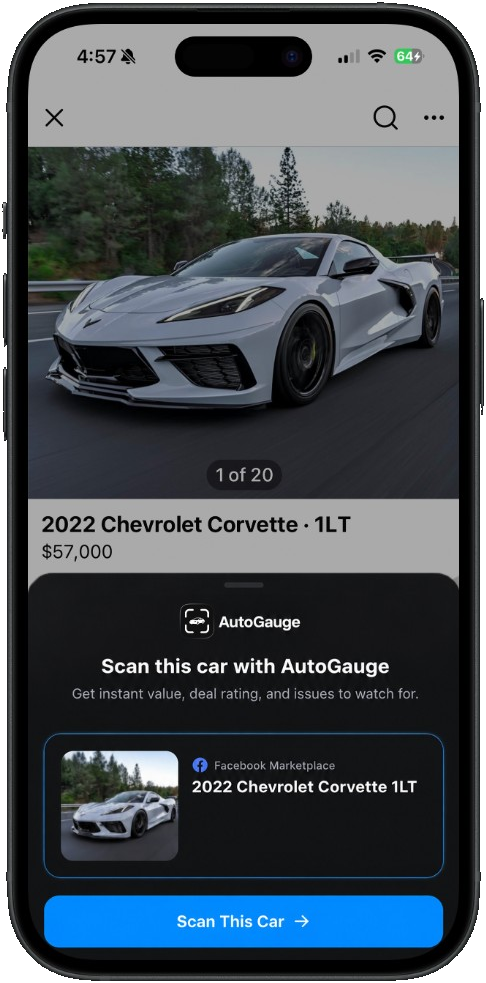


Private sellers on Facebook Marketplace set their own prices, and listings rarely mention the problems a model is known for. Two cars with the same year and miles can be thousands of dollars apart.
Checking the value, the model’s weak spots and open recalls before you reach out tells you whether the car is worth the drive, and gives you real numbers to negotiate with.
Compare the asking price with the car’s fair private-party value for its year and miles, then check what usually breaks on that model. AutoGauge does both from the listing and gives you a 0–10 deal score.
You need to be able to open the listing. On a computer, open it in Chrome and click Scan. On a phone, share or paste the listing link into AutoGauge.
Yes. In the app, take or upload photos of any car, from any website or in person, and add the details. AutoGauge reads the car and returns the same report.
AutoGauge is free to download, and the Unlimited plan starts with a 3-day free trial. You can also buy a scan pack instead of subscribing. The Chrome extension gives new users one free scan.
No. AutoGauge tells you what the car is worth and what to look at. Still inspect the car in person or with a mechanic before you buy.
AutoGauge is a research tool, not a replacement for a pre-purchase inspection. AutoGauge is not affiliated with Facebook or Meta.